What to check in QC photos
- Start with the basics: item type, selected size, selected color, quantity, and whether the item visually matches the source listing.
- Then check details: shape, stitching, symmetry, labels, tags, sole shape, print placement, stains, loose threads, dents, scratches, and obvious defects.
- For sizing-sensitive products, request or review measurement photos before approving the item for international shipping.
- For bulky or sensitive categories, think ahead about shipping restrictions, packaging size, and volume-weight cost before you build the parcel.
Day 3 QC decision checklist
Use a simple GL/RL workflow before you approve a Mulebuy warehouse item. Green light only when the visible item matches the source listing, the selected variant is correct, the size label or measurement photo makes sense, and no defect would make the product unusable. Red light or request support when photos are blurry, the color is inconsistent, the item looks bent or stained, or the detail that matters most is hidden.
- For shoes, compare toe shape, heel shape, sole alignment, pair symmetry, box condition, and size tag.
- For clothing, check print placement, logo alignment, neck tag, wash tag, stitching, measurements, and obvious stains.
- For bags and accessories, check hardware, zippers, strap length, interior photos, engraving, and visible scratches.
- For electronics or functional goods, ask whether testing photos or short warehouse notes are available, because standard QC photos cannot prove long-term function.
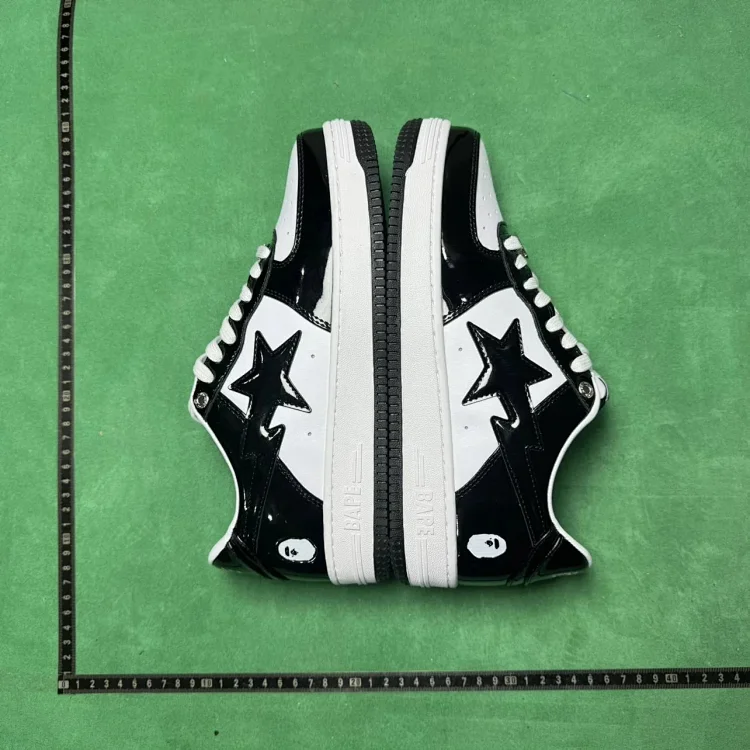
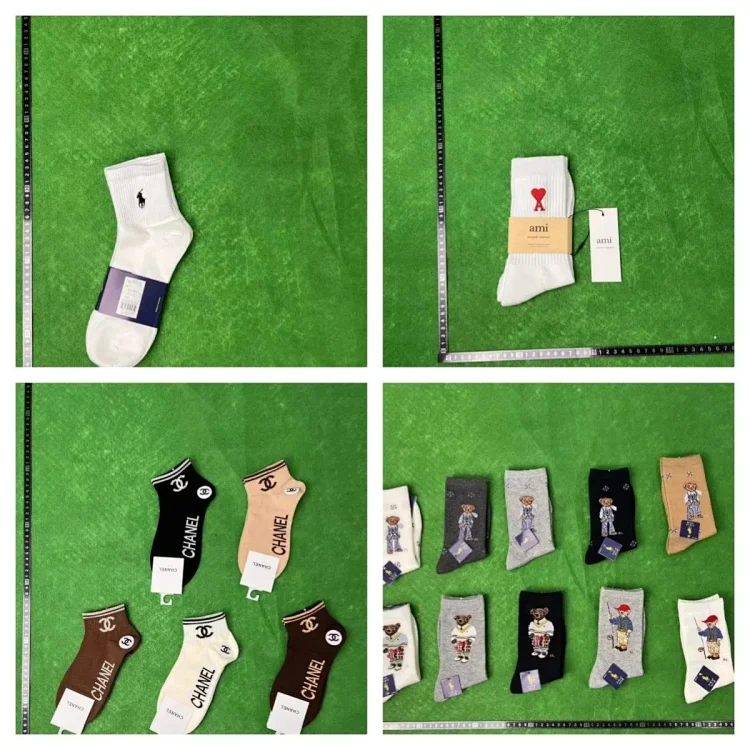
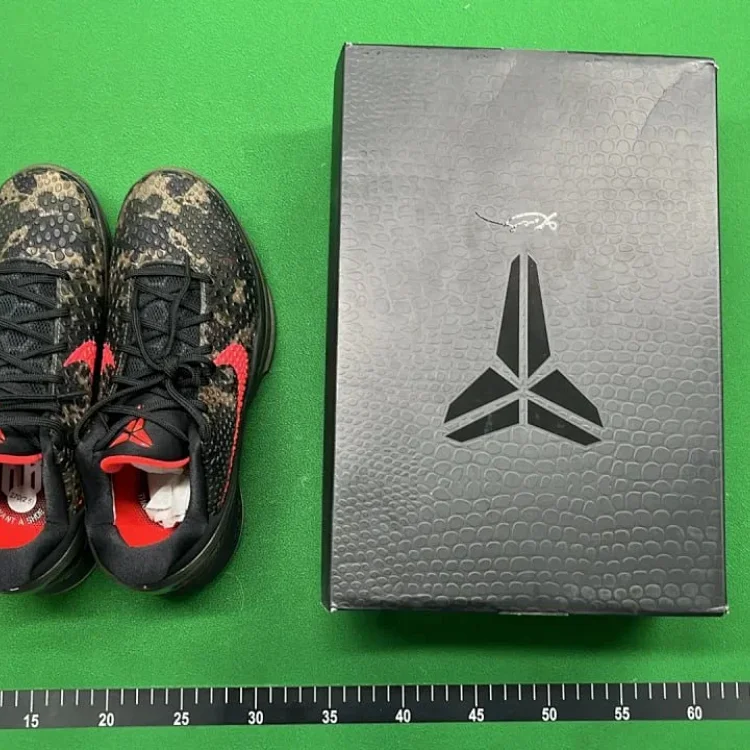
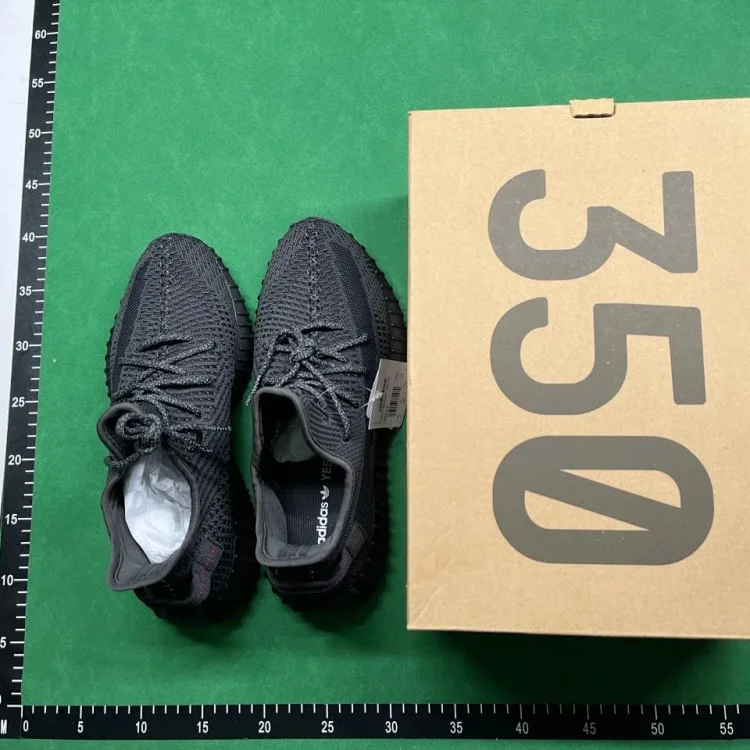
When to request extra photos
Ask for extra photos when a label is hidden, the color looks different from the source listing, the shoe shape is unclear, the size tag is missing, measurements matter, or the warehouse photo angle does not show the defect area. Extra photos are most useful before consolidation, because fixing a problem is harder after the parcel is submitted.
Good extra-photo prompts are specific: ask for an outsole measurement, chest width, sleeve length, close-up of a logo, natural-light color photo, side profile, interior tag, or defect close-up. Vague requests like "more photos" often waste time because the warehouse may not know which detail affects your GL/RL decision.
What QC photos cannot fully confirm
Normal QC photos reduce visible risk, but they cannot fully test electronics, confirm long-term durability, inspect hidden interior defects, verify every material claim, or open sealed packaging without special handling. If the item is expensive or functional, treat QC photos as one decision point rather than the only proof.
After QC approval, use the order checklist to confirm notes, coupon timing, and support evidence, then estimate parcel cost with the shipping calculator before you submit international shipping.
Open order checklistCommon reps terms
GL usually means green light or approve, RL means red light or reject, GP means first tester, batch refers to a production version or seller-supplied version, and rehearsal usually means checking packed parcel weight or size before choosing a shipping line.
Related questions
When should I request extra QC photos?
Request extra photos when the size tag, logo, label, measurements, color, quantity, or possible defect is unclear.
Do QC photos prove an item is perfect?
No. QC photos reduce visible risk but cannot fully test hidden flaws, sealed contents, electronics, or long-term quality.
Use the QC review checklist to verify variants, measurements, defects, labels, and extra-photo requests before approving shipment.
Open QC review checklist